


How to download DRQY?
Step #1
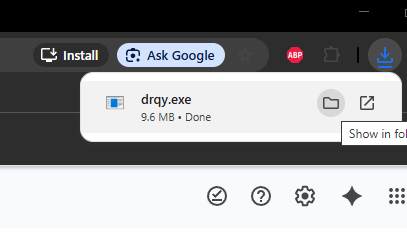
Download DRQY by clicking the button at the bottom of the page
Step #2
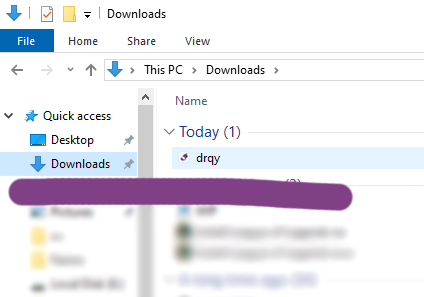
Find DRQY in your Downloads folder. You can move it elsewhere if you want.
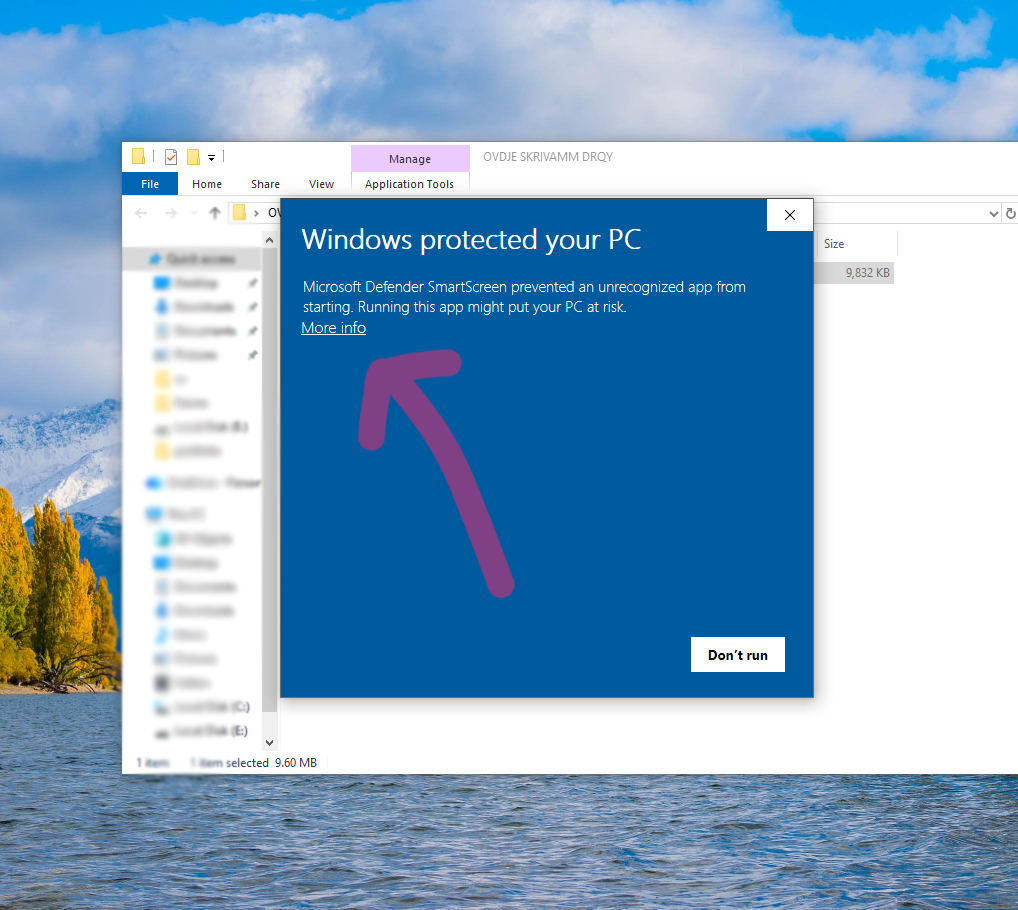
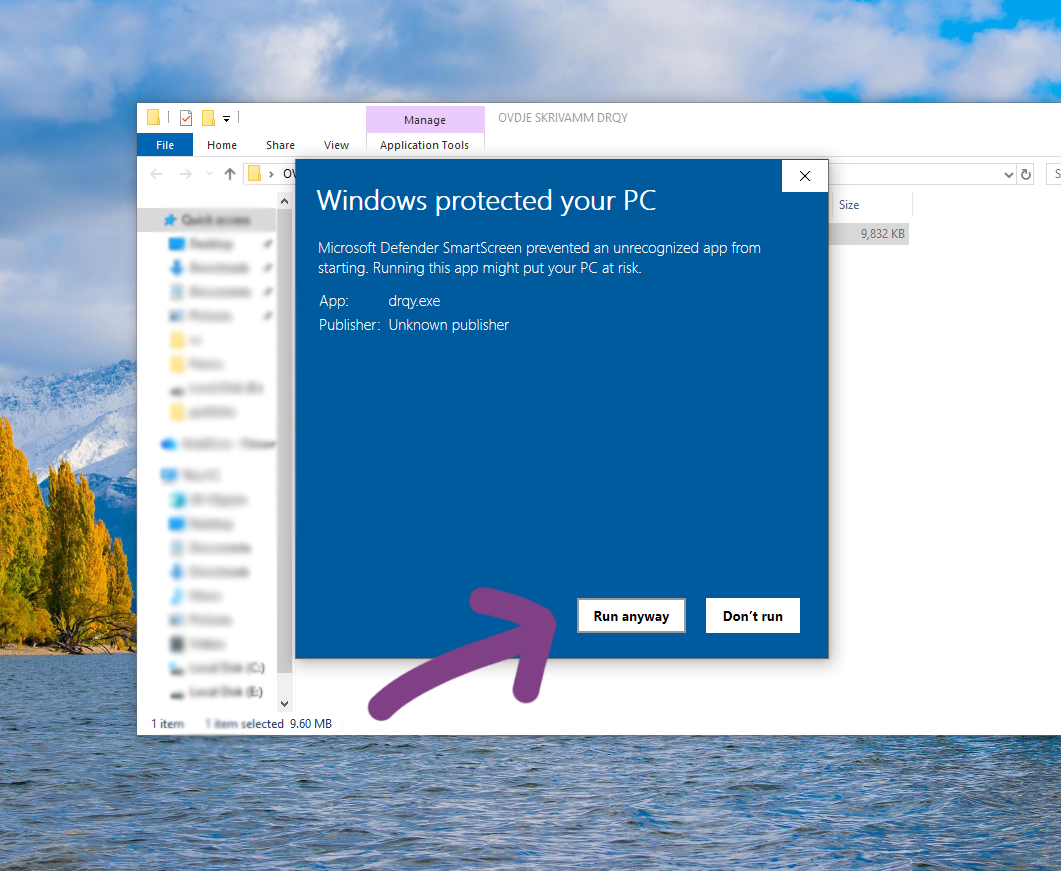
When you start DRQY in Windows, first time you'll see a warning screen. This is normal, due to DRQY bypassing Windows' desire to supervise everything and everyone.
Click MORE INFO and RUN ANYWAY.
Click on SHOW IN FINDER, right click -> OPEN

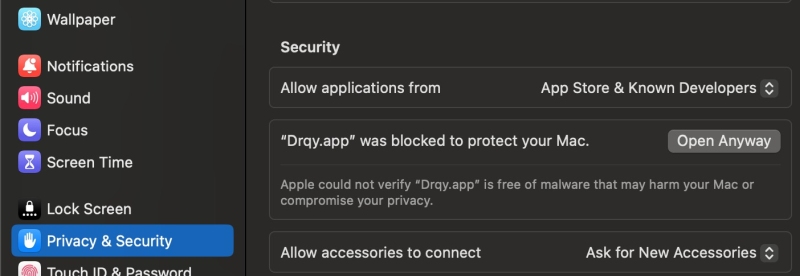
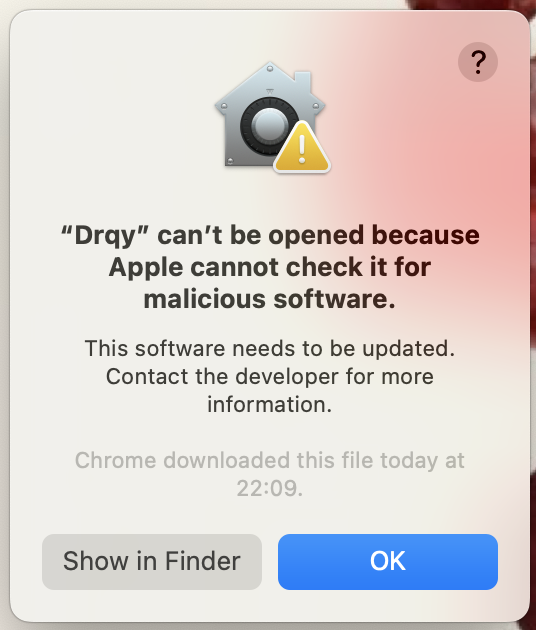
macOS
Universal (Intel + Apple Silicon)
Windows
64-bit (x86_64)
After downloading, you'll need a license key to activate.
You have experienced a problem, or have a suggestion?
Let us know at support@drqy.ai